
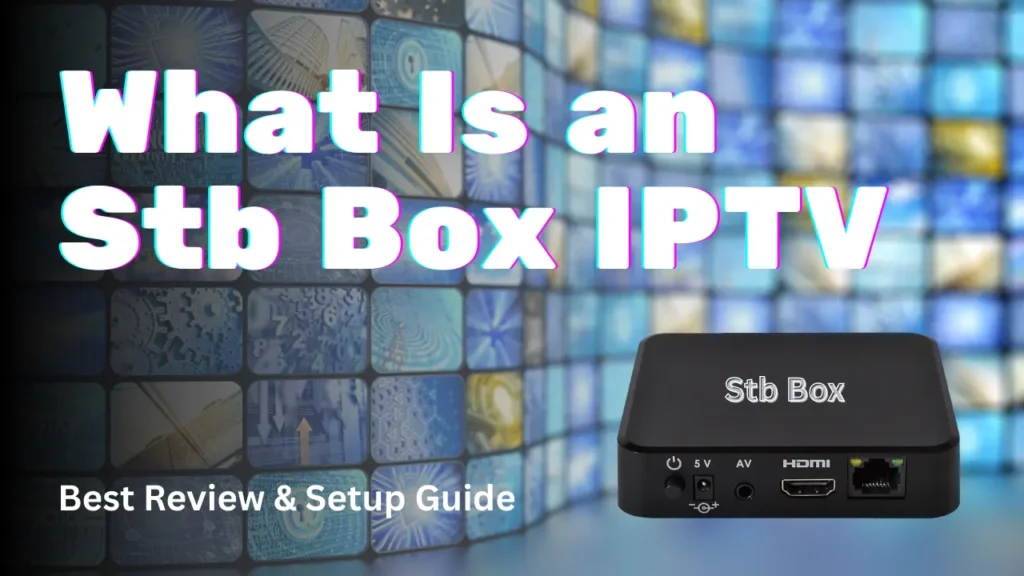
Introduction: Why STB Box IPTV Still Matters
In the world of IPTV, new apps, smart TVs, and streaming sticks appear every year. Yet, many users still search for stb box iptv because it represents one of the earliest and most structured ways IPTV services were delivered.
An STB box (Set-Top Box) was once the backbone of IPTV distribution, especially for providers who wanted full control over the user interface and experience. Even today, STB boxes are still used by many IPTV services, particularly in Europe.
This guide explains what stb box iptv really is, how it works, how it differs from modern devices, what STB MU and Smart STB apps are, and whether it still makes sense to use one in 2026 — especially compared to flexible solutions like British IPTV 4K.
What Is an STB Box?
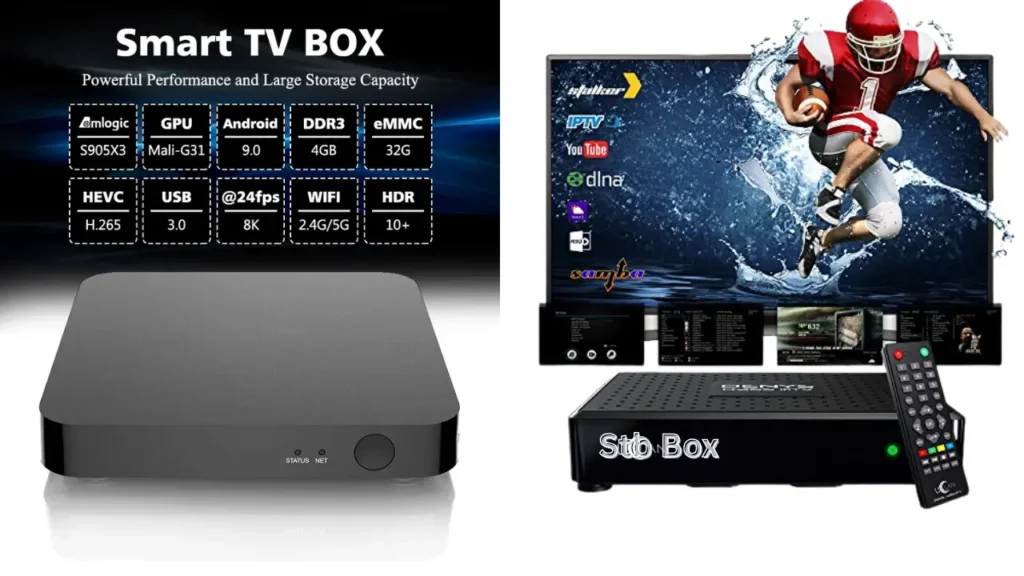
Understanding the STB Concept
An STB box, short for Set-Top Box, is a physical device that connects to your TV and receives television content through the internet instead of satellite or cable.
In stb box iptv, the box acts as:
- A receiver
- A decoder
- A controlled environment for IPTV streaming
Unlike Android boxes, STB boxes are usually locked to a specific IPTV system.
How STB Boxes Were Originally Used
Historically, IPTV providers:
- Preconfigured STB boxes
- Locked them to their servers
- Sold them as a package with the subscription
This model was very popular because it simplified setup for non-technical users.
How STB Box IPTV Works
The Technical Side Explained Simply
In a stb box iptv system:
- The STB box connects to the internet
- It communicates with the IPTV server
- Channels are delivered using multicast or unicast streams
- The interface is controlled by middleware
The user does not install apps like on Android — everything is pre-built.
Middleware and Portals
Most STB boxes rely on IPTV middleware systems that:
- Manage channels and EPG
- Control user access
- Authenticate devices by MAC address
This is why STB boxes often require MAC-based activation.
STB Box IPTV vs Other IPTV Devices
Key Differences at a Glance
| Feature | STB Box IPTV | Android TV Box | Fire Stick |
|---|---|---|---|
| System | Closed | Open | Semi-open |
| App Installation | No | Yes | Yes |
| IPTV Flexibility | Limited | Very High | High |
| Portability | Low | High | High |
| Updates | Provider-dependent | Automatic | Automatic |
Why STB Boxes Are More Limited
An stb box iptv setup:
- Cannot easily install third-party apps
- Cannot run streaming platforms like YouTube freely
- Depends fully on the IPTV provider
This lack of flexibility is the main reason many users moved away from STB boxes.
What Is Smart STB?
Smart STB Explained
Smart STB is an application that emulates a physical STB box on Android devices.
Instead of using hardware:
- You install the Smart STB app
- It behaves like a traditional STB
- Uses MAC address authentication
This bridges old IPTV systems with modern devices.
When Smart STB Is Used
Smart STB is often used when:
- The IPTV provider only supports STB systems
- The user wants to avoid buying a physical STB box
However, it still inherits the same limitations.
What Is STB MU?
STB MU Explained Clearly
STB MU is another STB emulator, often used on:
- Android TVs
- Android boxes
It allows users to:
- Input portal URLs
- Assign MAC addresses
- Access STB-based IPTV services
STB MU vs Smart STB
| Feature | Smart STB | STB MU |
|---|---|---|
| Interface | Modern | Basic |
| Compatibility | High | High |
| Stability | Medium | Medium |
| Updates | Limited | Limited |
Both are part of the stb box iptv ecosystem.
How to Get an STB Box IPTV Setup
Option 1: Physical STB Box
You can get an STB box by:
- Purchasing from a reseller
- Receiving it from an IPTV provider
These boxes are usually pre-configured.
Option 2: STB Emulator Apps
Instead of hardware, users can:
- Install Smart STB or STB MU
- Configure portal URLs
- Emulate a physical STB
This is more flexible but still limited.
Step-by-Step: How to Set Up IPTV on an STB Box
Step 1: Connect the STB Box
- Plug the box into your TV
- Connect to the internet via Ethernet or Wi-Fi
Step 2: Access Network Settings
- Ensure the box has internet access
- Test connection stability
Step 3: Enter IPTV Portal Details
Most stb box iptv systems require:
- Portal URL
- MAC address authorization
These are provided by the IPTV service.
Step 4: Load Channels and EPG
Once authorized:
- Channels load automatically
- EPG syncs with the server
Common Problems With STB Box IPTV
Limited App Support
STB boxes cannot:
- Install streaming apps
- Add custom IPTV players
Provider Lock-In
If the provider shuts down:
- The STB box becomes unusable
- No easy migration is possible
Outdated Interfaces
Most STB boxes:
- Have old UIs
- Lack modern features
Is STB Box IPTV Still Worth Using?
Pros of STB Box IPTV
- Simple for beginners
- Stable in closed environments
- No app configuration needed
Cons of STB Box IPTV
- No flexibility
- Hardware dependency
- Limited future support
For modern users, these drawbacks are significant.
Modern Alternatives to STB Box IPTV
Android-Based IPTV Solutions
Android devices allow:
- Multiple IPTV players
- Xtream-based logins
- Better performance
Why British IPTV 4K Avoids STB Limitations
British IPTV 4K focuses on:
- App-based IPTV delivery
- Compatibility with modern devices
- Easy setup without hardware lock-in
This removes most stb box iptv frustrations.
STB Box IPTV vs British IPTV 4K
| Aspect | STB Box IPTV | British IPTV 4K |
|---|---|---|
| Hardware Needed | Yes | No |
| Setup Time | Long | Fast |
| App Freedom | None | Full |
| Device Choice | Limited | Wide |
| Future-Proof | Low | High |
User Review: STB Box IPTV Experience
Many users report that stb box iptv:
- Works well initially
- Becomes restrictive over time
- Is difficult to upgrade
In contrast, app-based IPTV services offer long-term flexibility.
Frequently Asked Questions
What does STB box IPTV mean?
It refers to IPTV services delivered through a Set-Top Box using closed systems.
Is STB box IPTV legal?
STB boxes are legal hardware. IPTV technology itself is a legal method of delivering television over the internet, as explained on Wikipedia.
Can I install other apps on an STB box?
No. Most STB boxes are locked systems.
Is Smart STB better than a physical STB box?
It removes the need for hardware but keeps the same limitations.
Is STB box IPTV outdated?
It is functional but no longer the most flexible solution.
Final Verdict: The Future Beyond STB Box IPTV
STB box IPTV played an important role in the early days of IPTV, offering a simple and controlled viewing experience. However, as streaming technology evolved, its limitations became more obvious.
Today, viewers want freedom:
- Multiple devices
- Easy setup
- App compatibility
- No hardware lock-in
While STB boxes still exist, modern IPTV platforms like British IPTV 4K offer a more future-proof, flexible, and user-friendly approach — without sacrificing content quality or stability.







